
Updated Nov 5, 2026
2 min readReindex a bounded set of objects with a saved query.
Check the query result before starting the indexer. Correct dates, localized entries and a small control set make the outcome verifiable.
PLM Nexus technical team
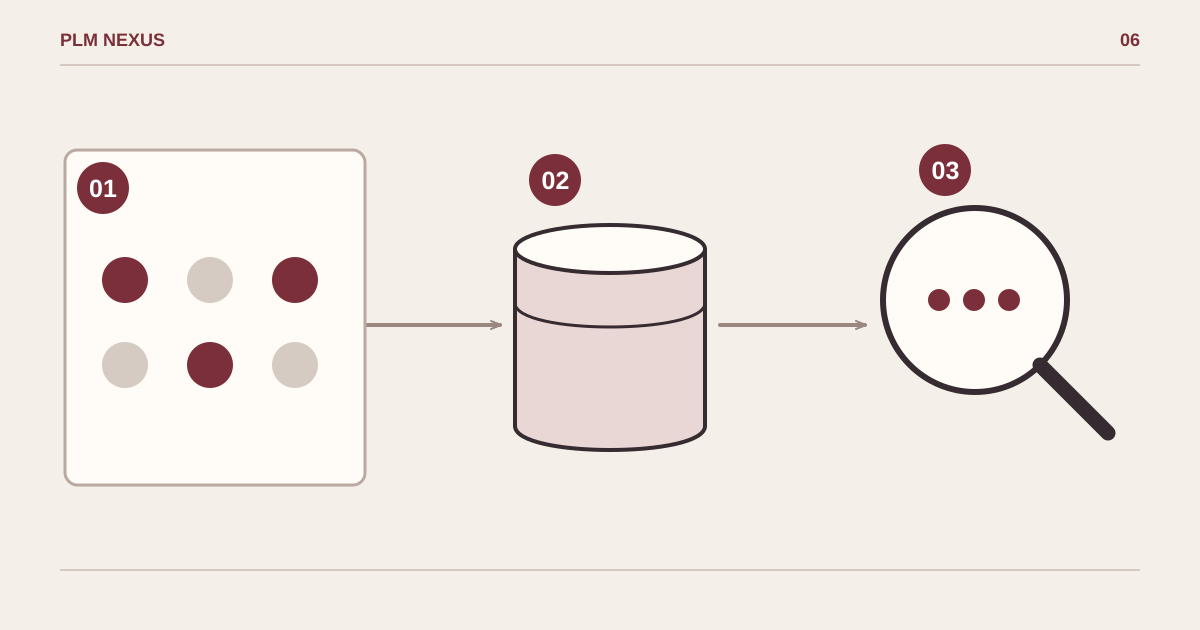
From symptom to verified result
- Confirm the scopeKnown object set
- Make a targeted changeobjdata:savedquery
- Verify the resultLogs and search results
Select a known object set, index it, then compare search results with that set. Counts are illustrative.
Conceptual diagram, not a software screenshot.
Recovered from our 2024 technical notes and reviewed against the documentation on 5 November 2026. The commands have not been rerun in Teamcenter for this revision. Check the installed version before use.
Historical environment: Teamcenter 14.1.0.9, Active Workspace 6.1.9, Windows Server 2019. The AWC 6.1 Indexing and Search Deployment and Configuration manual describes objdata:savedquery as a sample flow. Inspect the installed configuration and sample code before adapting it.
Fix the selection before fixing the index
Our old example combined Created After June 2021 with Created Before July 2015: an impossible interval. The example below uses an ordered interval, not a promise that it will find objects. First run the equivalent saved query in Teamcenter and record the expected object IDs and count.
savedquerystep.QueryName=General...
savedquerystep.Type=Dataset
savedquerystep.Created\ After=01-Jun-2021 00:00
savedquerystep.Created\ Before=01-Jul-2021 00:00
savedquerystep.QueryType=0
These are sample property entries, not a replacement configuration file. Keep a copy of TC_ROOT\TcFTSIndexer\conf\TcFtsIndexer_objdata.properties. Match query and entry names, date format and escaping to the installed sample and locale. Replace the dates and type with a small known set in a test environment.
cd /d "%TC_ROOT%\TcFTSIndexer\bin"
runTcFTSIndexer.bat -task=objdata:savedquery
Verify the result
Compare the selected count with staging/indexer logs, then search for the known objects in Active Workspace using the intended user. Distinguish selection failures, indexing failures and visibility permissions. A completed job alone is not proof that the right objects are searchable.
Next step
If this pattern is showing up in your Teamcenter environment, explore the relevant service or discuss the change you need.