
Updated Nov 5, 2026
2 min readTcServer login failures: diagnose before changing desktop heap.
An internal error or ORA-21561 is a symptom, not a desktop-heap diagnosis. Capture the failure context before changing Windows settings.
PLM Nexus technical team
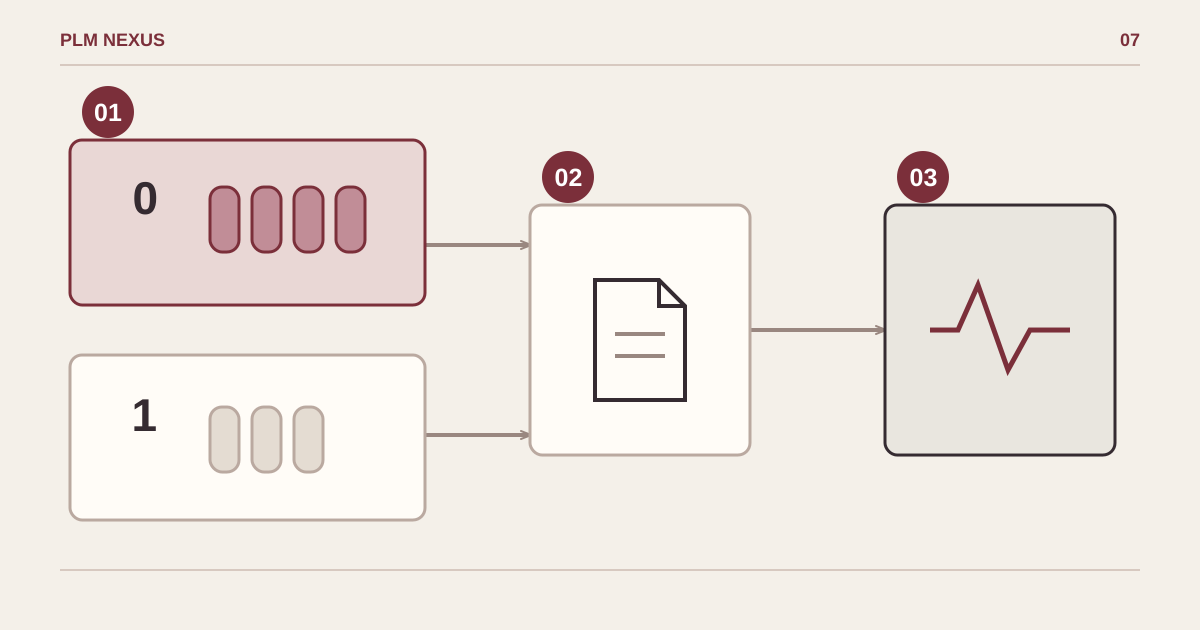
From symptom to verified result
- Confirm the scopeVersion and service context
- Make a targeted changeEvidence-led diagnosis
- Verify the resultSame workload, repeatable result
Separate service and interactive contexts, gather evidence and repeat the same workload. Bars do not represent measured capacity.
Conceptual diagram, not a software screenshot.
Recovered from our 2024 technical notes and reviewed against the documentation on 5 November 2026. The commands have not been rerun in Teamcenter for this revision. Check the installed version before use.
Historical environment: Teamcenter 12.3.0.7 on Windows Server 2016. The old article mentioned roughly 100 TcServer processes and a SharedSection change from 768 to 2048. Those numbers are not a universal process limit or a recommended setting for current Windows releases.
Capture evidence at the failing login
Record Windows, Teamcenter and Oracle versions, service identity, session, process count and timestamps. Check database reachability from the application host and correlate Teamcenter, Oracle and Windows logs. Do not infer heap exhaustion solely from a database connection message.
Microsoft documents Win32k event 243 as a desktop-heap allocation warning. Check the session and process details where available, including earlier events: the warning may precede the visible failure. The current guidance distinguishes session 0 from user desktops; do not carry a historical registry recipe into a different release.
Test one hypothesis at a time
A controlled console-versus-service comparison may help isolate the context, but it is not a permanent service configuration. Agree any operating-system change with the administrator, use guidance for the exact release and retain the previous configuration. Compare repeated logins and process growth under the same workload before calling the issue resolved.
Next step
If this pattern is showing up in your Teamcenter environment, explore the relevant service or discuss the change you need.