
Updated Nov 5, 2026
2 min readReset Teamcenter user preferences without losing the diagnosis.
Choose between removing one override and clearing the entire user scope. Export first, then verify the effective value.
PLM Nexus technical team
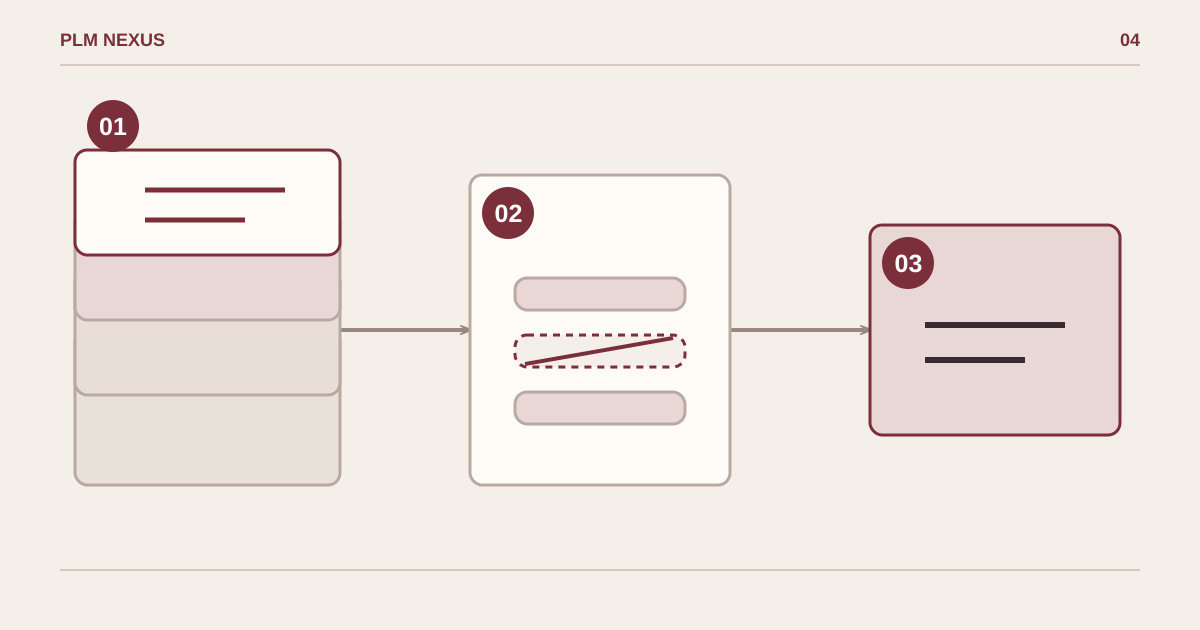
From symptom to verified result
- Confirm the scopeUSER
- Make a targeted changeremove / clear
- Verify the resultEffective value
Remove a selected user override, then check which inherited value becomes effective.
Conceptual diagram, not a software screenshot.
Recovered from our 2024 technical notes and reviewed against the documentation on 5 November 2026. The commands have not been rerun in Teamcenter for this revision. Check the installed version before use.
Historical environment: Teamcenter 14.1.0.9 on Windows Server 2019. Reference: Teamcenter 14.1 Utilities Reference, preferences_manager. Clearing USER instances does not delete preference definitions; inherited group, role or site values can become effective.
Export before changing anything
Replace ADMIN_USER and TARGET_USER. Use a protected Teamcenter password file provisioned according to your installation, not a password pasted into the command. Retain the export and identify the specific preference causing the symptom.
preferences_manager -u=ADMIN_USER -pf="C:\secure\tc-admin.pwf" -g=dba -mode=export -scope=USER -target=TARGET_USER -out_file="C:\work\user-preferences-before.xml"Remove one override, or clear the whole scope?
Prefer -mode=remove with -preferences=PREFERENCE_NAME when one override is the cause. Use the broader -mode=clear only when a complete user-scope reset is intended. Both commands below change data; they are alternatives, not a sequence to run together.
preferences_manager -u=ADMIN_USER -pf="C:\secure\tc-admin.pwf" -g=dba -mode=remove -scope=USER -target=TARGET_USER -preferences=PREFERENCE_NAME

preferences_manager -u=ADMIN_USER -pf="C:\secure\tc-admin.pwf" -g=dba -mode=clear -scope=USER -target=TARGET_USER
Verify the result
Start a fresh user session and repeat the original action. Compare the effective preference value and confirm an unrelated user is unchanged. If recovery is needed, review the export/import options for the same scope and test the restore before using it in production.
Next step
If this pattern is showing up in your Teamcenter environment, explore the relevant service or discuss the change you need.